How much device storage do you need? A comprehensive guide
It can be difficult to know how much storage you really need depending on how you use your device.
In this guide, we break down different types of device storage, as well as how much storage is the right option for you.
How much device storage do you need? A comprehensive guide
There’s nothing worse than going to save something to your device and being met with the “storage full” message. Device storage is what decides how many applications, photos and files you can keep on your device. Running out of storage can be extremely inconvenient, affecting your productivity and device performance. But finding the right storage amount isn’t always easy and people often don’t get enough storage for what they need. If the words gigabytes and terabytes mean nothing to you or you’re unsure how much storage you need, we’ve prepared a guide to help figure out the storage size that’s right for you.
What is device storage?
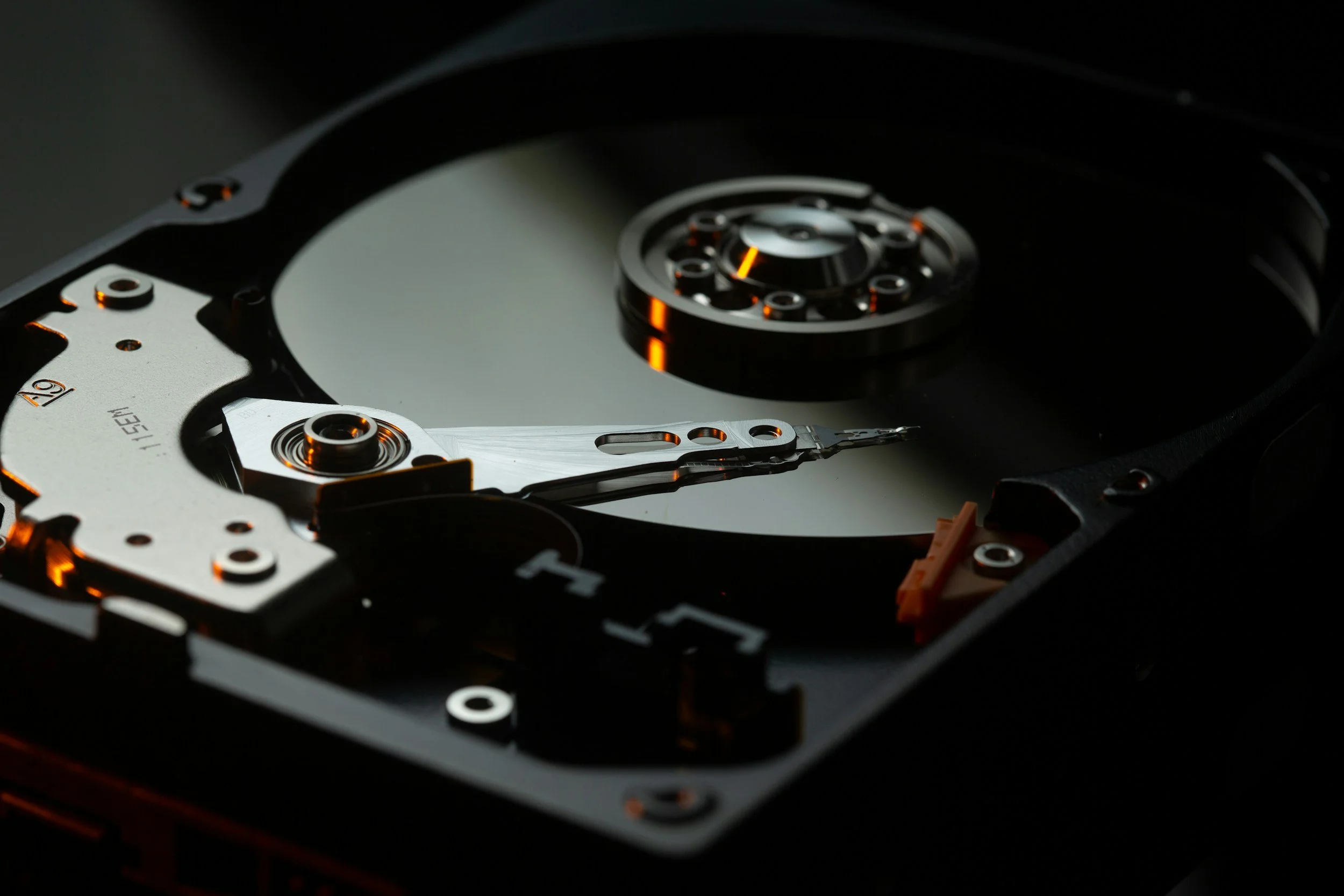
Device storage refers to storage space on a phone, tablet or computer. This storage keeps all your data such as apps, photos, videos, and documents. Once your storage is full, you can no longer save or download anything else to the device, such as videos and documents, which means you might need to pay for additional storage or get a new device.
There are two major types of device storage:
Interal storage
This is built into the device. It cannot be removed and is usually faster compared to external storage.
external storage
This includes external hard drives such as SD cards and USB drives, which can be added or removed. These drives will give you additional space, but may run slower.
Different devices often have different storage methods. Here are the most common ones:
Smartphones
Most smartphones start at 64GB of internal storage. High-end models might have up to 1TB. iPhones don't have SD card slots, while many Android phones do.
Tablets
Tablets can typically range from 32GB to 256GB of storage. Some have slots for memory cards if you need additional space.
Laptops
Laptops tend to contain 128GB to 1TB of storage. You can generally upgrade that later.
Desktops
Desktop computers can have large amounts of storage. 1TB to 4TB is common. You can easily add more if needed.
How much storage do you really need?
It can be difficult to know how much storage you really need and it depends on how you use your device. Let's look at some common user types:
Basic users
If you mostly browse the web and use simple apps, 64GB might be the right amount for you. This is enough for:
Email
Social media
Light photo taking
Average users
For people who take lots of photos and use many apps, 128GB to 256GB works best. This covers:
Many apps
Photo libraries
Some video storage
Power Users
If your work or hobbies require complex software or large files, you might require something larger:
Video editing
Large game libraries
Huge photo collections
Professional Users
Some jobs need even more space. 1TB or more is common for:
4K video production
Large datasets
Professional photo editing
How can you manage device storage better?
You can optimise your storage to avoid running out of space.
Use cloud storage
Most people use services like Google Drive or iCloud to store files online and save device space.
Delete unused apps
Remove apps you don't use, as they take up space and can slow down your device.
Clear cache regularly
Many apps store temporary files, and clearing these can free up space.
Use streaming services
Stream music and videos rather than downloading them.
What files use the most storage?
Some files use more storage than others. Here are the biggest storage users:
Videos
Videos are space hungry. A 1-hour 4K video can take up 7GB or more.
Photos
Photos take less space compared to videos but tend to accumulate rather fast. 1000 high-quality photos may take up 5GB.
games
Modern video games are huge, with some being over 100GB each.
Apps
Most apps are small. But some, for example editing tools, can be very large.
What if you run out of storage?
If you run out of storage space, you can add more storage by using SD cards or an external drive instead of buying a new device. An upgrade will give you more space internally.
Cloud storage solutions give you the ability to keep more files by uploading them to the cloud. Some popular options are Google Drive and Dropbox will help to free up more space. Instead of storing your files on your device, they’re stored on a server that you can access online.
Can cloud storage be used for business?
Gone are the days of needing a huge, complicated server room to support your tech needs. Transform your business with NQBE’s cloud technology. We offer businesses of all sizes a high level of flexibility, scalability and reliability, as well as the added benefit of only paying for what you need.
Still confused? Contact us!
When buying a new device, it’s good to keep in mind how many photos and videos you take, how many apps or games you download, or whether you work with big files. It’s better to have extra storage than not enough. Your needs may change over time, so it’s usually wise to get more storage than you think you need.
Still have questions about device storage? We’re here to help you find the right device with just the right amount of storage. Contact us for more information about our business cloud storage solutions.